How to Enable Arnold in Maya for Best Photorealistic Renders
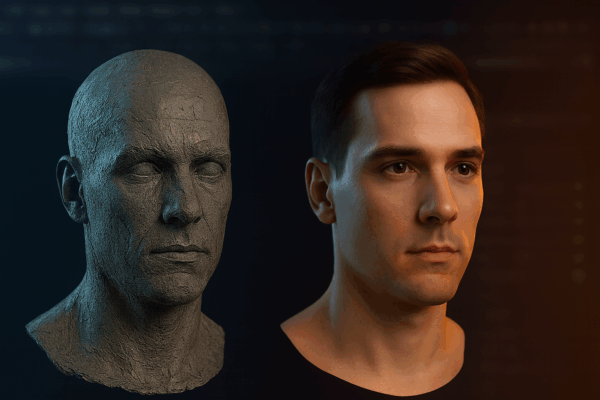
Discover how to enable Arnold in Maya and unlock the full power of photorealistic rendering. This guide explains plugin setup,

Arnold is a production-grade renderer widely used in film, animation, and VFX, known for its physically accurate lighting and flexibility.
MaxCloudON provides cloud infrastructure for Arnold rendering, allowing you to run complex scenes on dedicated cloud servers instead of relying on local hardware.
With cloud-based Arnold rendering, you can:
Arnold rendering on MaxCloudON runs on dedicated servers with full control.
This means:
Ideal for studios, VFX pipelines, and advanced production workflows
Run Arnold using CPU or GPU servers, depending on your scene requirements and workflow.
Install any version of Arnold, configure plugins, and run custom scripts without limitations.
Deploy multiple servers or nodes to scale your rendering capacity.
Use fixed daily, weekly, or monthly plans with no hidden costs.
Work in isolated infrastructure with encrypted connections and VPN access.
Access your rendering environment remotely or use a cloud desktop PC for a full workstation setup.
Step 1 – Choose Your Infrastructure
Select CPU or GPU servers based on your rendering needs.
Step 2 – Install Arnold & Tools
Install Arnold, your 3D software (Maya, 3ds Max, Houdini, etc.), and plugins.
Step 3 – Start Rendering
Run your scenes using your preferred workflow or render manager.
Step 4 โ Monitor & Control
Track progress and manage rendering tasks in real time.
Step 5 – Download Output
Retrieve rendered images or animations securely.
MaxCloudON offers transparent pricing for Arnold rendering infrastructure.
ย
If you prefer fully managed rendering without setup, explore our Cloud Render Farm.
(Automation is available only for supported software like Blender, 3ds Max, Maya, Keyshot, Cinema 4D and V-Ray)
Test your workflow with a 48-hour free CPU server trial.
( * Registration is required, with no need for a bank card or any obligation )
No. You get dedicated, unshared CPU or GPU resources.
No. You use your own Autodesk Arnold licenses and plugins.
Yes. You can choose between CPU or GPU workflows depending on your project.
Yes. You have full control over your environment and tools.
Explore more Autodesk Arnold guides for more expert insights, rendering techniques, and production workflows.
Discover how to enable Arnold in Maya and unlock the full power of photorealistic rendering. This guide explains plugin setup,

Discover the best Arnold hardware setup for fast, stable GPU rendering. This guide covers essential CPU, GPU, and storage choices

Choosing between Arnold Render CPU or GPU can impact your entire workflow. This post compares both options to help you