What Server do I Need for Machine Learning
The power of machine learning lies not only in algorithms but also in supporting infrastructure. Here’s where a machine learning

Accelerate machine learning and deep learning workloads with dedicated NVIDIA GPU servers, full access, and predictable pricing.
Training machine learning models on large datasets can be slow and resource-intensive without suitable GPU infrastructure.
MaxCloudON provides dedicated GPU servers for machine learning, deep learning, and data-intensive AI workloads.
Choose from preconfigured NVIDIA RTX and enterprise GPU systems, offering:
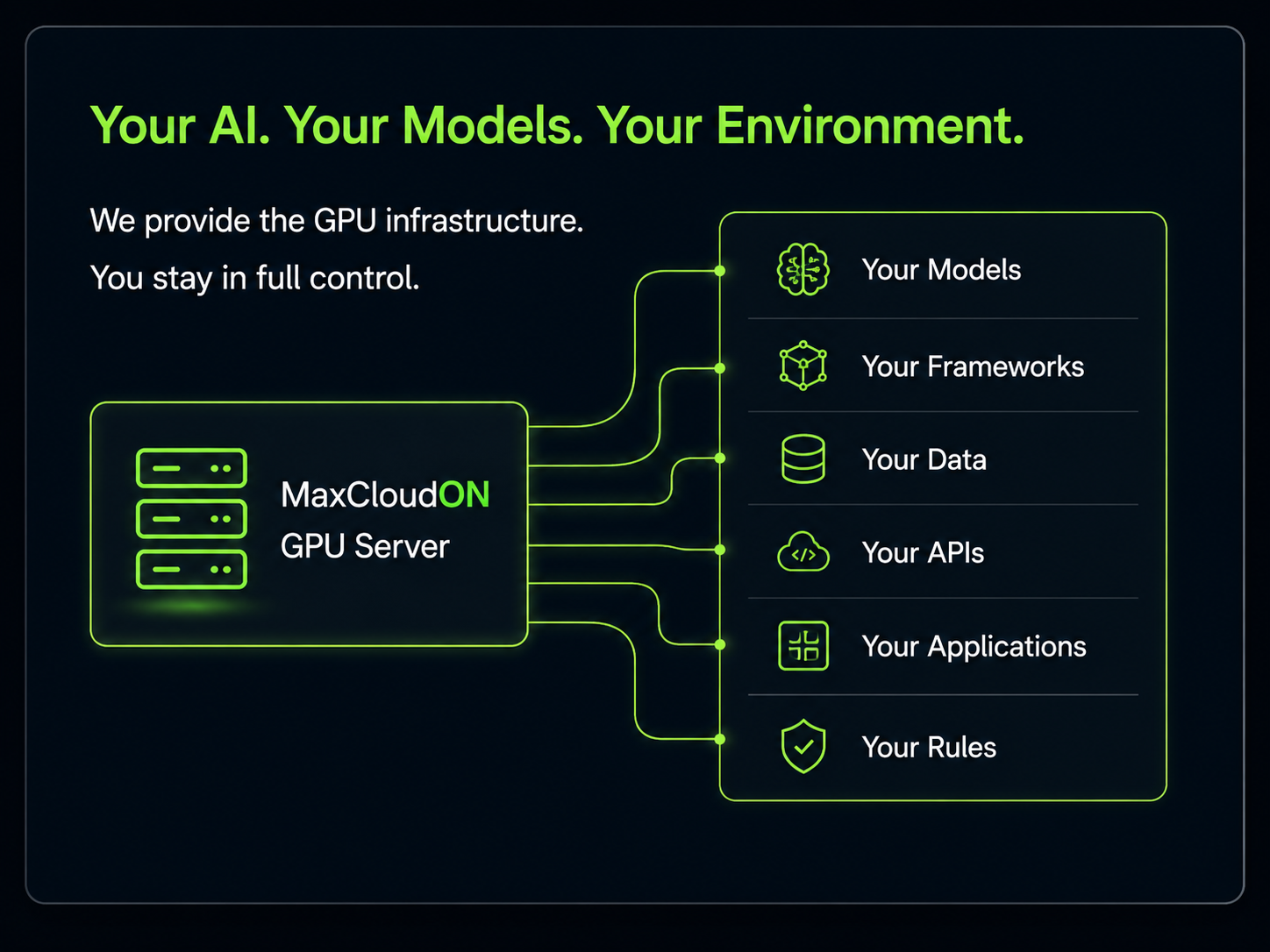
Use your preferred machine learning frameworks and configure the server environment according to your model, dataset, and workflow.
MaxCloudON GPU servers support a wide range of AI and data science applications:
Install frameworks and tools such as TensorFlow, PyTorch, Keras, Jupyter, CUDA, and Hugging Face Transformers.
Software compatibility and multi-GPU support depend on the selected framework, model, and server configuration.
Choose a server based on model size, VRAM requirements, dataset volume, batch size, and expected training time.
Your assigned GPU, CPU, memory, and storage resources are reserved for your use, helping maintain stable performance during long training runs.
Install and run TensorFlow, PyTorch, Keras, CUDA, Jupyter, Hugging Face Transformers, and other compatible machine learning tools.
Use preconfigured multi-GPU servers for workloads that support data parallelism, model parallelism, or distributed training.
Choose GPU configurations with different VRAM capacities for larger models, higher batch sizes, and memory-intensive AI workloads.
Configure drivers, CUDA versions, libraries, notebooks, containers, and development tools according to your project requirements.
Select an available configuration and access your server within minutes.
Choose daily, weekly, or monthly plans according to your training schedule, without setup fees or hourly billing uncertainty.
Move to a larger configuration or activate additional GPU servers when your training or inference requirements increase.
Receive help with server access, connectivity, and infrastructure-related issues while retaining full control over your machine learning environment.
Choose from preconfigured GPU server plans for machine learning, deep learning, and AI workloads.
Plans are available with daily, weekly, or monthly billing.
👉 Explore full GPU server pricing
GPU requirements depend on model architecture, dataset size, framework, precision format, batch size, and training method.
We will recommend an available configuration based on your requirements.
If your workload requires a different setup, you can explore other infrastructure options:
MaxCloudON GPU servers can run compatible frameworks and tools such as TensorFlow, PyTorch, Keras, Jupyter, CUDA, and Hugging Face Transformers.
You receive root or administrator access and can configure the environment required for your project.
Compatibility depends on the operating system, GPU model, driver version, CUDA version, and framework requirements.
Yes, absolutely! The same GPU servers can support compatible rendering, simulations, image processing, video processing, data analytics, and other GPU-accelerated workloads.
GPUs can process many mathematical operations in parallel, making them suitable for neural-network training and other workloads involving large matrices and repeated calculations.
The performance improvement depends on whether the framework, model, and workload are designed to use GPU acceleration.
The appropriate configuration depends on:
A GPU with more VRAM is often required for larger models or batch sizes, while multi-GPU servers are useful only when the workload can distribute processing efficiently.
GPU servers are provided through preconfigured plans.
You can move to another available configuration with more or different GPUs or activate additional GPU servers.
Not automatically. For example, four GPUs with 24 GB of VRAM do not normally behave as one GPU with 96 GB of unified VRAM.
How memory and processing are distributed depends on the framework, model, and parallelisation method.
Available servers are provisioned immediately after the selected plan is activated.
Yes. You receive root access on Linux or administrator access on Windows and can install compatible frameworks, libraries, drivers, notebooks, and other development tools.
Servers can be accessed through VPN and encrypted remote protocols such as SSH or RDP.
Optional public IP access is available for eligible plans.
Customers are responsible for operating-system security, account access, application configuration, software updates, datasets, and backups.
Refund eligibility and calculations are governed by the applicable MaxCloudON refund policy and service terms.
Review the current policy before activating a server plan or contact MaxCloudON when clarification is required.
No. GPU server plans are available with daily, weekly, or monthly pricing.
Each plan has defined hardware specifications and a fixed price for the selected period.
Explore practical guides, GPU server setups, and performance insights from our AI and Machine Learning Category.
The power of machine learning lies not only in algorithms but also in supporting infrastructure. Here’s where a machine learning

Learn what a GPU server is, types and components, key features, real-world use cases, costs, and common pitfalls for high-performance
Discover 7 key advantages of dedicated cloud computing for AI researchers and data scientists. Learn actionable tips to optimize model