What Is A Cloud Render Farm? The Key to Faster 3D Rendering in 2026
Discover what is cloud render farm and how accelerate 3D production with automated workflows, transparent pricing, and scalable infrastructure for
Render 3D scenes and animations across powerful CPU and GPU nodes with transparent, upfront pricing. No manual node configuration, no complex queue setups – just fast, parallel rendering with automatic output delivery.


Render your 3D scenes and animations using MaxCloudON’s fully managed cloud render farm. From job submission to final output delivery, every step is handled automatically in the cloud.
Our online rendering service is built for freelancers, studios, and teams that need fast turnaround times, predictable pricing, and hands-off rendering.

No need to build, configure, or manage remote render nodes.

Asset packaging, job routing, and local downloads are hands-free.

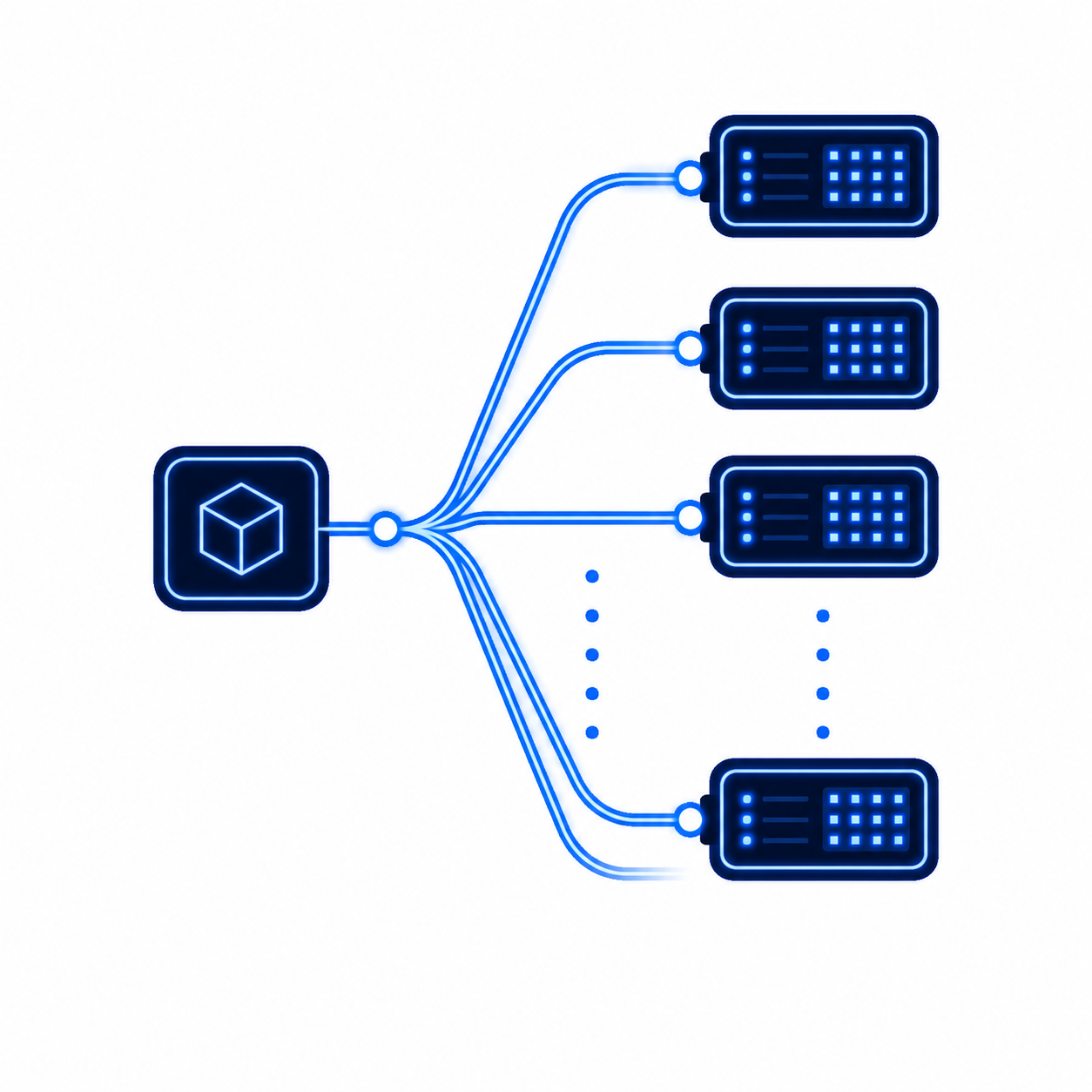
Distribute large animation sequences across dozens of nodes.

Know exactly what your render will cost before you start rendering.

Project files processed in encrypted, temporary cloud environments.

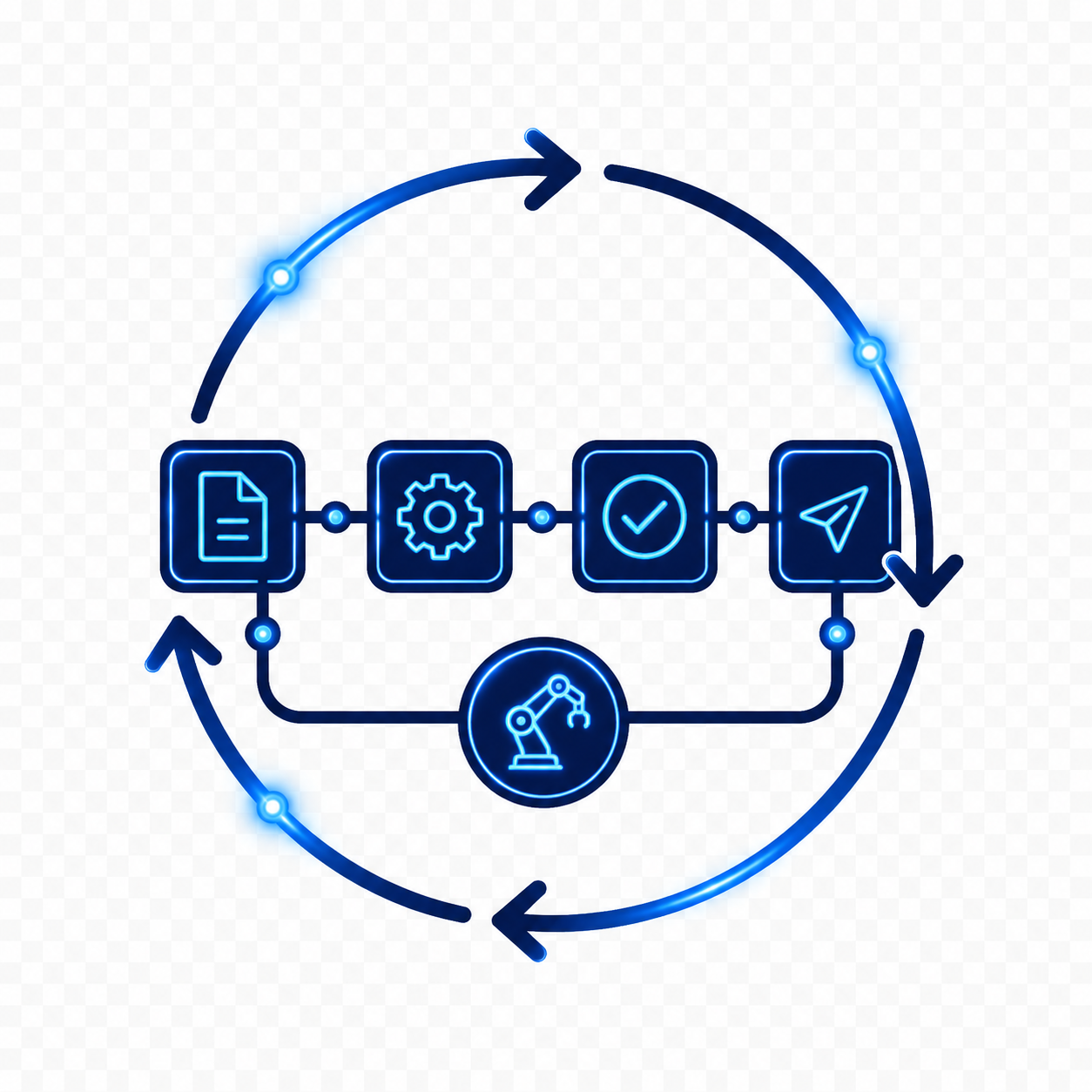
Download MaxCloudON's desktop app (RenderSonic) and install it to connect your local workstation to our cloud render farm.

Submit your 3D projects and select your frame range and output settings right from the RenderSonic interface.

The platform analyzes your scene on actual cloud hardware to give you an accurate, upfront cost projection.

Hit start and watch your frames process simultaneously across dozens of dedicated cloud CPU and GPU nodes.

As each frame completes. it is pushed directly back to your local storage folder automatically.


With MaxCloudON’s fully automated render farm, you only pay for the exact computational power your project consumes. There are no monthly subscriptions, no long-term contracts, and zero hidden network fees.
True Pay-Per-Frame Billing (No paying for idle hardware)
Real Hardware Estimates (Calculated on actual cloud nodes, not generic benchmarks)
Unmetered High-Speed Data Transfers (Zero download fees)

Render complex sequences without locking up or overheating your local workstation.

Scale up your rendering capacity instantly to hit tight deadlines without buying physical hardware.

Support student projects, animation coursework, and training environments with cloud rendering resources.
If your workflow required non-standard software builds, custom scripts, or propietary plugins, a standard render farm won't fit. Instead, explore our
Dedicated Cloud Servers for Rendering
.
We offer private virtual CPU and GPU servers with full root/administrator access and complete configuration freedom.
“The fastest dedicated VPS we have used. The rendering nodes are really dedicated and you’ll get what is advertised. It’s applicable, from a small freelance artist to a big design studio.”
Principal/Creative Director of Clusters Creative
“We have used the services of Rend-it (now MaxCloudON) many times when we have not been able to meet the deadline with what we have in our in-house Render farm. Quick and responsible, they have always saved us.”
Founder and CEO of Vaya Studios
“Best cloud. Excellent service and support, awesome pricing. There are no restrictions on the installed software. Once the servers were configured, my company used them for months without making any changes.”
Information Technology Manager at Visual Method
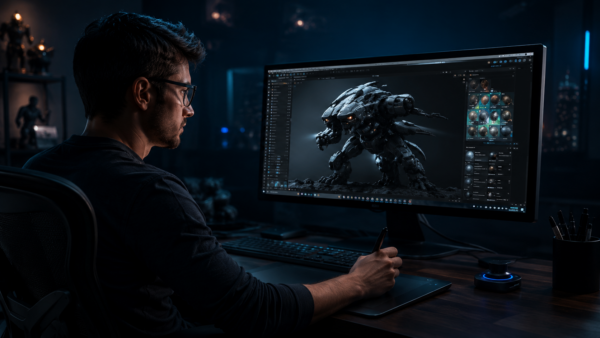
A cloud render farm uses multiple high-performance servers to render 3D scenes in parallel, completing projects much faster than a single local workstation. Rendering happens entirely in the cloud, freeing your computer for other tasks.
The entire workflow is driven by our desktop application, RenderSonic. You simply upload your project files directly from your workstation, choose your settings, review an upfront cost estimate, and start rendering. The system automatically distributes the frames across multiple parallel GPU and CPU cloud nodes, and delivers the finished outputs directly back to your local PC.
Pricing is based on actual render time and resource usage. Before rendering starts, you receive an upfront cost estimate – no subscriptions and no hidden fees. You only pay for the exact compute power your project uses on a strict pay-per-frame basis.
Automated rendering via RenderSonic supports selected 3D applications, with additional software actively being rolled out.
If you need to render with Arnold, Redshift, Lumion, Unreal Engine, or custom setups, you can use MaxCloudON Dedicated Cloud Servers with full control and custom configuration.
Use our Automated Cloud Render Farm if you need fast, hands-off, pay-per-frame rendering for standard projects without manual server setup. However, if your pipeline requires custom software builds, proprietary plugins, scripts, or absolute environmental control, you should switch to our Dedicated Cloud Servers where you get private hardware and full root/administrator access.
Render jobs are distributed across multiple CPU and GPU nodes and processed in parallel, allowing projects to complete significantly faster than on a single local machine.
Absolutely. RenderSonic supports single frames and full animation sequences – all handled automatically in the cloud.
Yes. Each render job runs in an isolated environment with secure file handling. Your project files are never shared or accessed by other users.
Yes. There are no contracts or lock-ins. You can stop using the cloud render farm whenever you want and pay only for completed render work.
Need deeper details about our billing and payments, file retention policies, software usage, or network security? Visit our centralized MaxCloudON FAQ Platform Hub .
Explore practical guides, workflows, and tools across the 3D rendering category.

Discover what is cloud render farm and how accelerate 3D production with automated workflows, transparent pricing, and scalable infrastructure for


Render farm workflow explained for 3D artists: discover types, step-by-step processes, cost factors, and practical tips for efficient cloud rendering.
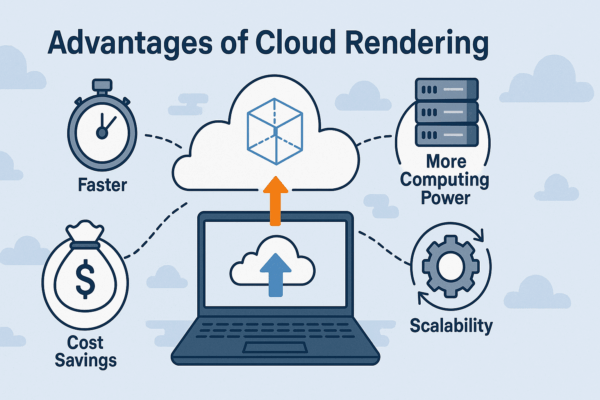
Discover the key advantages of cloud rendering, from dramatically faster render times to lower costs and unlimited scalability. After switching