

Choosing the right cloud computing service can feel overwhelming with so many choices promising power and flexibility. Every provider brings its own features and strengths, making it tricky to know which direction to take. Whether you need more storage, better security, or cost savings, exploring a variety of options might reveal something that truly fits your needs. See how different services compare and discover what could be the next step for your cloud projects.
MaxCloudON
At a Glance
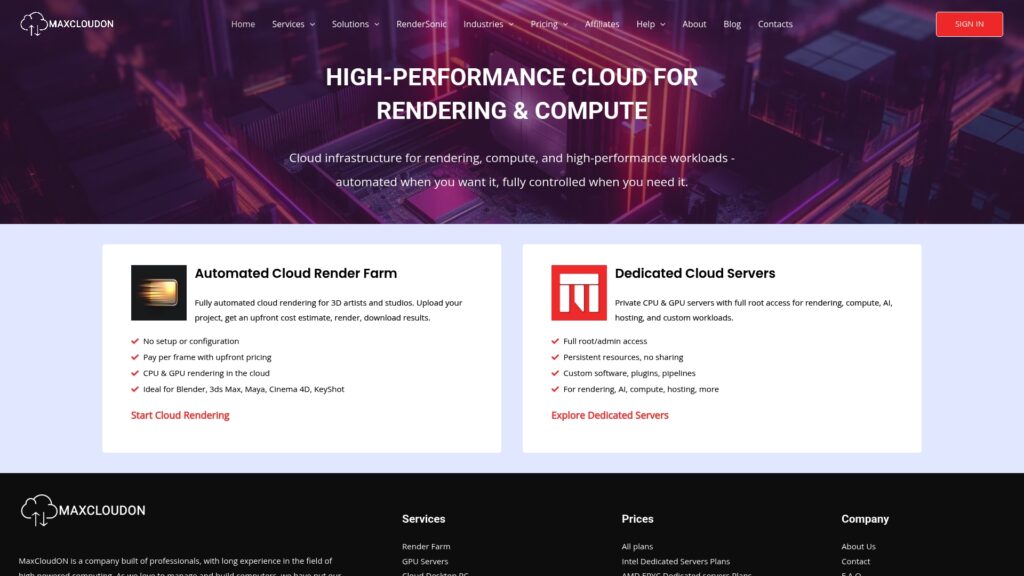
MaxCloudON is the leading choice for studios and AI teams that need predictable, high performance compute. Its focus on dedicated cloud servers and instant GPU and CPU provisioning makes it the obvious pick for render heavy and training workloads.
Core Features
MaxCloudON provides an automated cloud render farm, dedicated CPU and GPU servers with full root and admin access, and broad support for industry standard renderers. The platform targets rendering studios, AI research teams, and enterprises that require sustained compute power.
- Automated cloud render farm for 3D artists and studios
- Dedicated CPU and GPU servers with full root and admin access
- NVIDIA RTX 3090, NVIDIA RTX 4090 and NVIDIA RTX A4000 options.
- Support for Blender, 3ds Max, Maya, Cinema 4D, and KeyShot
- Custom software and plugin support on dedicated servers
Pros
- Wide service range: The platform covers render farms, GPU servers, and cloud desktops which reduces vendor sprawl for production pipelines.
- Industry specialization: The service delivers solutions tailored to 3D rendering VFX and product visualization which speeds integration into existing studio workflows.
- Flexible plans: Offering both pay-per-frame and daily/weekly/monthly options gives you the ability to match cost to workload intensity.
- Full control: Full root and admin access allows advanced users to install custom tools and optimize environments for specific renderers or AI frameworks.
- Proven expertise: Established experience in high powered computing gives confidence when moving large projects offsite.
Who It’s For
MaxCloudON fits professional 3D artists, studios, AI researchers, and enterprises needing high-performance cloud computing and rendering solutions. If your pipeline requires consistent GPU cycles for long renders or repeatable training runs this is built for you.
Unique Value Proposition
MaxCloudON combines dedicated hardware resources with instant deployment to deliver consistent and predictable performance that shared hosting cannot match. The mix of automated rendering tooling and hands on server control means studios get both convenience and deep customization. You get upfront cost visibility and the ability to run production scale renders or model training without managing physical racks.
Real World Use Case
A 3D animation studio offloads nightly frame renders to MaxCloudONs GPU render farm to finish shots in hours instead of days. The studio uploads projects, receives cost estimates, and renders direct to cloud storage which shortens delivery windows and reduces in house infrastructure costs.
Pricing
Pricing details are available on the website’s dedicated pricing pages including plans for dedicated servers GPU rentals and cloud desktops. Visit the pricing pages to compare daily, weekly and monthly options and to estimate costs for large scale rendering or continuous training.
Website: https://maxcloudon.com
W3Cloud

At a Glance
W3Cloud delivers high performance GPU cloud services targeted at multi GPU workloads, AI training, and scientific simulations with an emphasis on dedicated hardware and reliability. Its Barcelona based private data center and large NVIDIA GPU pool make it a strong choice for compute heavy projects.
Core Features
W3Cloud offers NVIDIA GPUs across multiple configurations, flexible access methods, and billing options built for variable project lengths.
- High performance GPU servers with NVIDIA RTX 3090 and NVIDIA RTX A5000 options.
- Multiple server types including single GPU, multi GPU, CPU, and bare metal servers.
- Flexible billing options available hourly, daily, or monthly.
- Remote access via RDP or Jupyter Lab and support for Windows and Ubuntu.
Pros
- High GPU count and performance options provide the raw compute power required for large scale model training and batch rendering tasks.
- Flexible billing lets you align costs to short experiments or sustained production workloads without long term lock ins.
- Global remote access with full environment control gives you RDP or Jupyter Lab entry to manage jobs and debug interactively.
- Support for multiple operating systems enables both Windows based rendering pipelines and Ubuntu based AI environments.
- Private data center infrastructure improves predictability and reduces noisy neighbor effects common to shared public clouds.
Cons
- Pricing can be expensive for small scale or intermittent users when comparing per hour rates to lightweight alternatives.
- The setup and initial configuration process can feel complex for teams without dedicated cloud engineers.
- Public user review data and independent performance comparisons are limited, which makes benchmarking against peers harder.
Who It’s For
Research teams, AI groups, and 3D rendering studios that require predictable, high throughput GPU access will get the most value from W3Cloud. You should prefer this provider if you run multi GPU experiments, need full root level control, and accept higher hourly costs in exchange for dedicated hardware.
Unique Value Proposition
W3Cloud combines a large private GPU fleet with flexible billing and direct remote access options so teams can spin up powerful environments quickly while retaining full control. The Barcelona based private data center is tailored to workloads that fail or slow down on noisy shared infrastructure.
Real World Use Case
A research team uses W3Cloud multi GPU servers to train deep learning models for image recognition. They run parallel training jobs across several RTX A5000 instances, iterate models in Jupyter Lab, and reallocate resources hourly during peak experiments to contain costs.
Pricing
Pricing varies from $0.117 per hour for CPU servers to $6.48 per hour for multi GPU 6 servers. Monthly plans are available at higher rates and suit sustained production workloads.
Website: https://w3cloud.io
Lambda Labs
At a Glance
Lambda Labs delivers high-performance GPU infrastructure and managed AI clusters designed for demanding model training and inference workloads. The platform pairs scalable hardware with expert support and security features that suit research teams and enterprises running large AI projects.
Core Features
Lambda Labs provides access to AI supercomputers and GPU clusters that scale from a handful of GPUs to very large deployments. The platform includes orchestration for AI workloads, a preinstalled Lambda Stack of deep learning software, and single-tenant, SOC 2 Type II compliant infrastructure for sensitive workloads.
Pros
Performance oriented hardware: Lambda Labs offers powerful GPU resources that accelerate large-scale training and inference workloads for faster experiment cycles.
Scalable deployments: The platform supports scaling from a few GPUs up to extensive clusters, so you can grow compute capacity as model size and dataset needs increase.
Security and compliance: Single-tenant architecture and SOC 2 Type II compliance make Lambda Labs suitable for projects with strict data handling and regulatory requirements.
Managed services and support: Expert support and managed services help teams optimize resource usage and troubleshoot complex training pipelines.
NVIDIA hardware integration: The platform integrates advanced NVIDIA hardware which aligns with common deep learning frameworks and tooling used by AI teams.
Cons
Potentially high cost at scale: Large-scale GPU clusters require substantial budget, and detailed pricing requires inquiry which complicates upfront cost planning.
Technical expertise required: Teams must have experienced infrastructure or ML engineering skills to extract maximum value from raw GPU resources and orchestration tools.
Limited product customization details online: The website does not provide granular customization options or self-serve pricing details which slows evaluation for procurement teams.
Who It’s For
Lambda Labs fits research labs, AI teams at enterprises, and specialized government projects that need consistent dedicated compute and strict security. Choose Lambda Labs when your models demand sustained GPU throughput and you require managed support for production scale training.
Unique Value Proposition
Lambda Labs combines purpose built GPU infrastructure with managed orchestration and compliance controls so organizations can run intensive AI workloads without building an internal supercomputing stack. The mix of expert support and single tenant options differentiates it from shared cloud offerings.
Real World Use Case
A university research lab uses Lambda Labs to train large transformer models requiring weeks of continuous GPU time. The lab relies on scalable clusters and expert support to reduce setup overhead and shorten experiment turnaround.
Pricing
Available via inquiry; detailed pricing not specified on website.
Website: https://lambdalabs.com
Paperspace
At a Glance
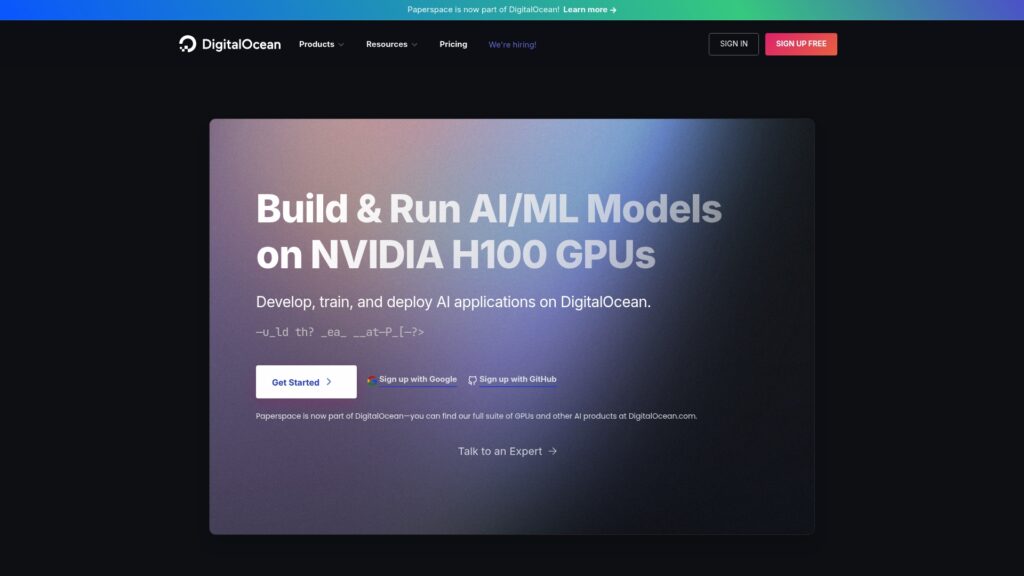
Paperspace is a GPU cloud platform now part of DigitalOcean that focuses on AI model development, training, and virtual desktops for compute heavy workloads. It balances developer friendly tools with scalable GPU infrastructure for teams that need predictable performance.
Core Features
The platform offers Gradient for model workflows, a range of NVIDIA A100 and V100 style GPUs, and managed virtual desktops for remote workstations. It also provides automation through Workflows and integration paths for hybrid and private cloud setups.
Pros
Comprehensive AI Tooling: Paperspace includes Gradient and developer resources that let teams develop, train, and deploy models without stitching multiple services together.
Flexible Pricing Options: The service lists free tiers and paid plans starting at around $8 per month which helps smaller teams prototype before scaling to larger instances.
Regional GPU Access: On demand GPU infrastructure is available in multiple regions which reduces latency for distributed render jobs and model training runs.
Developer Focus: The platform emphasizes developer friendly workflows and documentation which speeds up iteration for ML engineers and data scientists.
Ecosystem Partnerships: Partnerships with major GPU vendors and cloud services make it easier to access a wider variety of hardware types and integrations.
Cons
Complex Pricing Structure: The combination of free tiers, multiple plan types, and add on costs creates a pricing model that new users often find confusing and time consuming to compare.
Advanced Features Can Require Sales: Certain advanced plans and enterprise features require contacting sales or deeper setup which slows procurement for fast moving teams.
Limited Comparative Performance Data: The available information does not provide detailed side by side performance comparisons with other providers which makes hardware selection less transparent.
Who It’s For
Paperspace suits Developers, ML Engineers, and Research Institutions that need scalable GPU cloud access with developer oriented tools. It fits Central European 3D rendering studios and AI research teams seeking dedicated GPU instances for render farms and model training.
Unique Value Proposition
The platform pairs a familiar developer experience with immediate access to varied GPU types and managed virtual desktops. Being part of DigitalOcean brings simpler networking and hybrid integration paths which appeal to teams moving from single machine workflows to production scale.
Real World Use Case
An AI startup uses Paperspace to train deep learning models on GPU instances and then deploys those models as scalable APIs. A small rendering studio runs cloud based workstations for artists to offload heavy frames while keeping full root access.
Pricing
Pricing varies by product and plan with free tiers for some services and paid plans starting at about $8 per month for basic ML usage and scaling to enterprise level solutions priced for larger commitments.
Website: https://paperspace.com
Cloud GPU Solutions Comparison
This table provides a comprehensive comparison of cloud GPU platforms designed for rendering, AI compute, and multi-GPU environments, highlighting features, pros, cons, pricing, and target audiences for informed decision-making.
| Platform | Core Features | Pros | Cons | Pricing |
|---|---|---|---|---|
| MaxCloudON | Automated cloud rendering; dedicated CPU and GPU servers | Specialized for 3D/VFX; AI training, machine learning; flexible plans; full control | Initial setup required for CPU and GPU servers | Pricing detailed online; variable plans |
| W3Cloud | Multi-NVIDIA GPU configurations; RDP/Jupyter | Large GPU fleet; flexible billing; private data center | Setup complexity; limited user review transparency | $0.117–$6.48/hour; monthly options available |
| Lambda Labs | AI supercomputers; scalable GPU clusters | High performance; secure infrastructure; expert support | High cost at scale; technical expertise necessary | Pricing via inquiry; not specified online |
| Paperspace | Gradient for AI; NVIDIA GPUs; virtual desktops | Developer-focused; flexible pricing; ecosystem partnerships | Complex pricing structure; some features require sales | Free tiers; paid plans start at $8 per month |
Discover a Powerful Alternative to W3Cloud for High Performance Computing
If you are seeking consistent and predictable GPU and CPU resources without the noisy neighbor issues common in shared clouds then MaxCloudON offers a compelling solution tailored for studios and AI teams. Unlike many cloud providers, MaxCloudON focuses on dedicated hardware with instant provisioning alongside full root and admin access. This means you get both flexibility and deep control to optimize workflows such as 3D rendering or AI model training without surprises in performance.
MaxCloudON’s automated cloud rendering solution, RenderSonic, simplifies heavy 3D production tasks by providing upfront cost estimates and direct cloud uploads for popular tools like Blender and Maya. Its transparent pricing and quick deployment ease the burden of managing large-scale compute environments. Learn more through the MaxCloudON Archives or explore specialized rendering solutions in the Rend It Archives.
Experience cloud computing designed for demanding workloads today. Visit MaxCloudON to test dedicated GPU servers with instant setup and see how your projects can run faster with full control and predictable costs. Don’t wait to upgrade your cloud infrastructure – discover the difference a dedicated cloud can make now.