
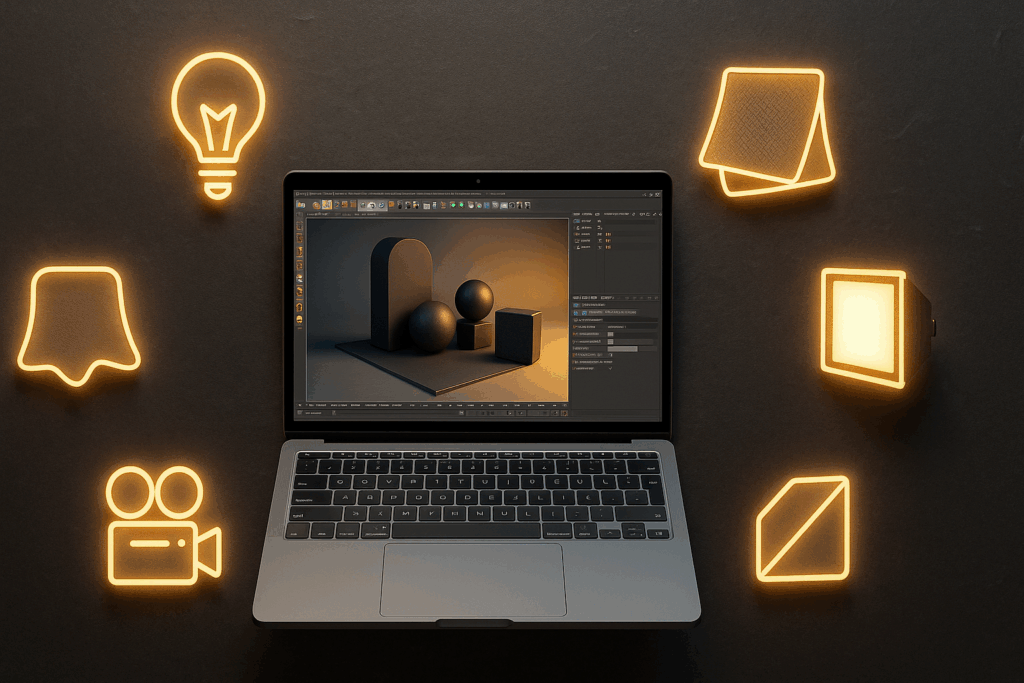
Greyscalegorilla Cinema 4D plugins provide professional HDRI lighting, material libraries, animation tools, and studio-quality render setups that streamline production and improve visual quality. By enhancing lighting, materials, and workflow efficiency, these plugins help 3D artists deliver polished Cinema 4D renders faster and with greater consistency. Ideal for motion design, product visualization, and commercial animation, Greyscalegorilla offers one of the most powerful toolsets for achieving cinematic, high-quality results.
When I first started working with Cinema 4D, I constantly struggled with the quality of my renders and the time it took to set up even the simplest scenes. I spent hours adjusting lights, tweaking render settings, and searching for materials that would make my work look professional – but everything still felt flat and underwhelming. Lighting was especially frustrating. Creating realistic lighting felt like its own skill set, and I often felt stuck before I even began animating or designing. Like many artists, I realized the main challenges weren’t in modeling or animation, but in lighting, materials, and render workflow efficiency. (if you are new to rendering, see also what is rendering.)
It was during one of those long, exhausting late nights that I first discovered Greyscalegorilla. At the time, I assumed these plugins were just another set of presets that promised miracles but delivered very little. But after actually testing them, everything changed. They weren’t just add-ons – they were complete workflow tools that immediately improved my both speed and quality.
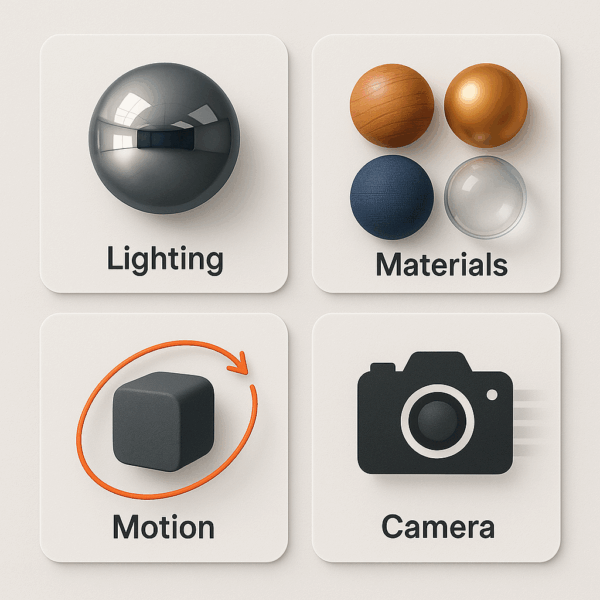
Suddenly, I had access to:
- Professional-grade HDRI lighting environments
- Drag-and-drop materials and textures
- Natural camera movement controls
- Studio-quality render setups
Using Greyscalegorilla plugins allowed me to work faster, light my scenes more accurately, and render with confidence. What once felt like endless trial-and-error became a streamlined workflow I could rely on. The change was noticeable not just in the final images, but in how I thought about the entire creative process.
What Are Greyscalegorilla Plugins?
Greyscalegorilla plugins are a set of professional tools, material libraries, and lighting systems designed to enhance the workflow. Instead of building lighting rigs, materials, or camera setups from scratch, these plugins provide ready-to-use HDRI environments, texture libraries, animation tools, and studio lighting setups that integrate directly into Cinema 4D.
They are designed for motion designers, 3D animators, visual effects artists, and anyone who wants to render faster, optimize workflow and achieve more polished results without getting stuck in technical setup.
In short:
- They speed up scene setup
- They improve lighting and rendering quality
- They remove repetitive manual work
- They help you achieve a more cinematic, professional look with less effort
This is why Greyscalegorilla has become a standard in motion design workflows across broadcast, advertising, film title sequences, product visualization, and commercial animation. They don’t replace creativity – they remove the roadblocks that slow creativity down.
Top 5 Greyscalegorilla Plugins
When I began using Greyscalegorilla, I didn’t expect any of the plugins to become part of my everyday workflow. But over time, a few of them naturally became my go-to tools – the ones I open without even thinking – because they consistently saved me time, improved the final look of my scenes, and made the creative process feel natural instead of stressful.
HDRI Link – Realistic Lighting in Seconds
HDRI Link completely changed how I handled lighting. Instead of manually placing lights, adjusting intensities, tweaking shadows, and still ending up with a dull scene… I could simply drop in an HDRI and instantly get realistic lighting and reflections.
What I loved most:
- Lighting stopped feeling like guesswork.
- The mood of the scene became easier to control.
- My renders immediately looked more “designed.”
It took me from “this looks okay” to “this looks professional” – sometimes in just a click.
Signal – Animation Without Keyframe Headaches
If you’ve ever tried animating subtle loops in Cinema 4D, you know how quickly the timeline can become a mess of keyframes. Signal solved this completely – instead of setting or copying keyframes, adjusting curves and re-adjusting them again… I could simply assign motion parameters to objects and watch them animate smoothly in real time.
What Signal gave me:
- Natural loops for broadcast graphics
- Clean, smooth motion without the timeline grind
- Freedom to experiment without fear of “breaking” animation
The software integration was seamless, and I could watch my ideas come to life in real time. It was one of those must use workflow solutions that saved me hours of repetitive work.
Light Kit Pro – Studio in a Box
If HDRI Link gave me lighting that felt real, Light Kit Pro gave me lighting that felt cinematic. This plugin gave me the power of real studio lighting environments. Whether I was working on feature film titles, product shots, or experiential display visuals, this plugin delivered cinematic lighting setups that immediately elevated the quality of my renders. It genuinely felt like having a professional studio lighting workflow – but without the physical cost or setup time.
Texture Kit Pro – Materials That Look “Done”
Texture Kit Pro saved me countless hours by providing ready-to-use materials directly inside Cinema 4D. Instead of building every material and surface from scratch, I could pull from its library and focus on creativity. The included training resources also helped me understand how to adapt and customize materials. I could consistently deliver polished renders for commercial animations and broadcast graphics without wasting time on guesswork. This plugin alone made my scenes feel polished long before rendering.
GorillaCam – Realistic Camera Movement
Before using GorillaCam, my camera motion often felt too mechanical. This plugin added natural movement to my shots, and my commercial animations and broadcast graphics instantly felt more cinematic. It introduced the subtle, organic qualities of real handheld operation – micro-movement, drift, imperfection and human pacing.
Clients couldn’t always explain what changed – but they felt that my work was more dynamic and “alive.” GorillaCam gave my camera movement a professional edge that I couldn’t achieve with standard keyframes alone. It quickly became an essential finishing step on nearly every project I delivered,
Use Cases of Greyscalegorilla Plugins
Each Greyscalegorilla plugin proved essential in its own way. They weren’t just add-ons; they became must-use workflow solutions that helped me deliver consistent, professional results across different industries and visual styles – whether I was rendering in Redshift or Octane – two of the most popular engines featured in our guide to the best 3D rendering software, working on large-scale visuals or tight broadcast graphics.
Feature Film Titles
For feature film titles, I relied on HDRI Link and Light Kit Pro – especially when rendering in Redshift. These two gave me dramatic, controlled lighting setups that made my compositions feel cinematic and intentional. The renders felt like they belonged on the big screen, and the setup process was still straightforward.
When I needed more stylized highlights or glossy visual tone, switching to Octane with the same lighting libraries produced a more expressive, high-contrast look – without rebuilding anything.
Broadcast Graphics
For broadcast graphics, Signal became my go-to tool. It allowed me to create smooth looping motion without drowning in keyframes. When working in Redshift, I could preview materials and lighting interactively, which made direction changes faster – especially when clients needed variations. And in Octane, the real-time feedback made testing color and composite styles feel effortless. This sped up approvals significantly because clients could see the movement quality right away.
Commercial Animations
For commercial animations, Texture Kit Pro and GorillaCam were essential. They added realism and personality.
- Texture Kit Pro gave me realistic materials that worked beautifully in both Redshift’s and Octane’s shader systems – no time wasted rebuilding from scratch.
- GorillaCam added those small camera imperfections that made motion feel natural, handheld, and cinematic.
Clients often couldn’t explain why the animation looked better – they just knew it felt higher-end.
Experiential Displays & Interactive Visuals
For experiential installations and interactive displays, HDRI Link and Light Kit Pro helped me build immersive studio environments that looked realistic even when viewed on massive screens.
Combining Cinema 4D + Redshift for look development and Octane or Unreal Engine for real-time performance gave me the flexibility to move between rendered output and interactive visual experiences without losing aesthetic consistency. Maintaining look consistency between pre-rendered output and real-time visuals is rare – and incredibly valuable. This made it possible to pitch and deliver cutting-edge visual work that felt both artistic and technically solid.
The only real challenge that remained was render time, especially when working with heavier scenes or high-resolution outputs. If you’re working with Redshift or Octane and your renders are getting heavy, you can speed up your workflow with cloud render farm services. I use MaxCloudON to offload final rendering and keep my Cinema 4D projects moving.
Integration with Other Software and Pipelines
One of the most valuable things I learned while using Greyscalegorilla plugins was how easily they integrate into larger Cinema 4D workflows. They run smoothly in Cinema 4D on their own, but they also work perfectly alongside X-Particles, Redshift, Octane, and Unreal Engine. For example, I once built a particle animation in X-Particles, lit the scene using HDRI Link and Light Kit Pro, and then sent the animation into Unreal Engine for an interactive installation. The materials, lighting feel, and overall visual quality carried through, which isn’t always easy when moving between renderers and real-time engines.
This made it possible to create high-quality final renders and real-time interactive visuals without rebuilding materials or lighting from scratch.
When the visual identity remains consistent across render engines and platforms, the work feels much more intentional and premium.
Services, Tools, and Training
What makes Greyscalegorilla plugins more than “just plugins” is the ecosystem that comes with them. With a single subscription, I gained access to:
- A large material and asset library
- HDRI environments
- Studio lighting setups
- Camera tools
- And training that explains how to use everything effectively
The training wasn’t overwhelming or overly technical – it was practical and focused on real creative workflows in Cinema 4D. This gave me the confidence to apply the tools in client projects right away. It wasn’t just about having better tools but about learning how to think with them. That shift in mindset is what noticeably improved the quality and consistency of my work.
Cost and Value
I’ll be honest – at first, I wasn’t sure whether the Greyscalegorilla subscription was worth the price. But when I compared it to buying HDRI packs, material libraries, lighting kits and models individually – I realized the subscription was much cheaper than buying each one separately. And the real value came from the time saved – the faster I could set up lighting or materials, the sooner I could focus on creativity, and the quicker I could deliver final renders, especially when working in Redshift or Octane, where render iteration time matters.
The high-quality renders I created made the cost totally worth it. Clients often asked what I used, and I was happy to recommend Greyscalegorilla. For me, the subscription was not just a cost – it was a smart way to keep my work looking professional and make my portfolio truly stand out.
Conclusion
Looking back, I can confidently say that Greyscalegorilla plugins didn’t just improve my renders – it changed the way I work. From feature film titles to broadcast graphics, commercial animations, and experiential installations, these plugins gave me the lighting, materials, and camera tools I needed to deliver consistently professional results.
The subscription didn’t just give me access to assets – it gave me a complete workflow. I wasn’t wasting time searching for materials, rebuilding lighting setups, or troubleshooting render tests. I could finally focus on creativity, storytelling, and design.
For anyone wondering whether to try Greyscalegorilla plugins, the answer is simple: If you want to impress clients, work faster, and produce polished, cinematic results – these plugins are absolutely worth it.
Frequently Asked Questions
Are Greyscalegorilla plugins worth the cost?
Yes - the subscription is absolutely worth it. The quality of the HDRIs, materials, textures, models, and workflow tools easily justifies the price. These plugins helped me deliver consistent, high-quality results and significantly speed up my production time.
Can beginners use Greyscalegorilla plugins effectively?
Definitely. When I first started, the training videos and plugin guides were easy to follow. The asset library gives beginners instant access to professional-grade lighting, materials, and tools, making the learning curve much smoother.
How do Greyscalegorilla plugins improve workflow?
They streamline the entire pipeline - lighting, animation, materials, and rendering. Instead of spending hours manually building setups, I could work faster, achieve better results, and focus on the creative process instead of technical obstacles.
Do Greyscalegorilla plugins work with other software like Unreal Engine?
Yes. I’ve worked on projects combining Cinema 4D, X-Particles, Redshift, Octane, and Unreal Engine, and the lighting, materials, and visual feel carried over surprisingly well. This makes cross-platform workflows much easier and more predictable.