
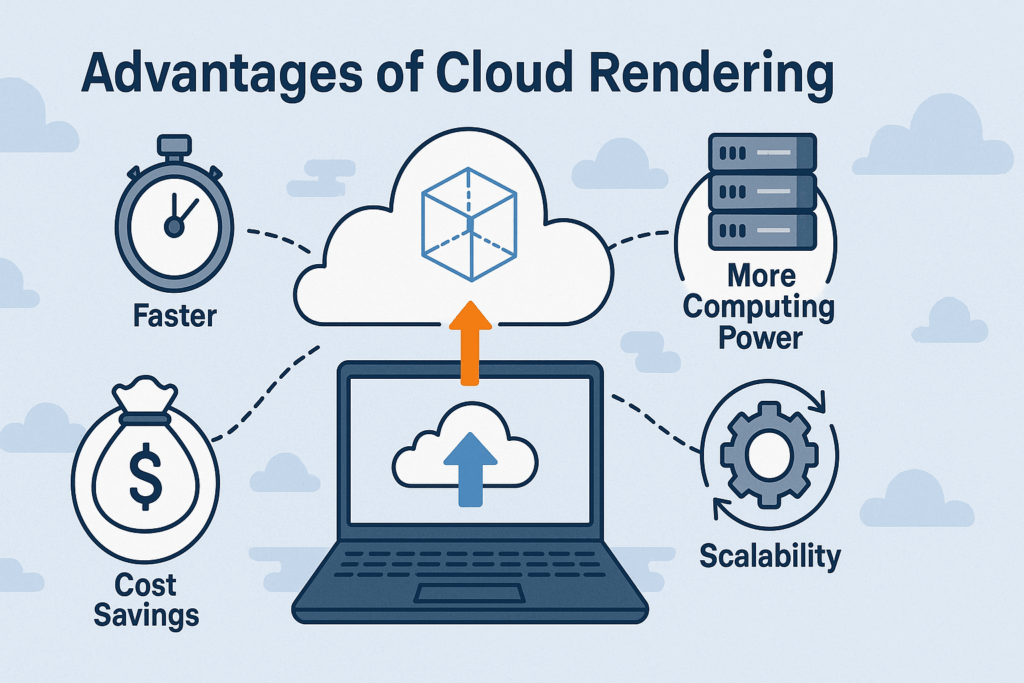
Cloud rendering offers faster render times, instant scalability, lower hardware costs, and a more reliable workflow compared to local rendering. By using remote GPU and CPU servers, 3D artists and studios can handle complex 3D scenes, meet tight deadlines, and work from anywhere with zero hardware limitations.
In this post, I want to share my personal experience and walk you through the advantages of cloud rendering – not from theory, but from my experience across various projects. Whether you’re a 3D artist, animator, or running a studio, these benefits can completely change how you handle every rendering task – especially when working on complex 3D rendering scenes or time-sensitive visual effects.
What Is Cloud Rendering (And Why I Tried It)
Cloud rendering means using powerful remote servers – CPU and GPU render nodes, also known as cloud render farms – to process your 3D scenes instead of relying on your local machine.
I first tried it on a project with a tight deadline. My local PC was choking on the complexity of the 3D model. Switching to a cloud GPU server saved the day – and opened my eyes to what I’d been missing.
Since then, I’ve tested several cloud platforms – from well-known names like Google Cloud to 3D-focused render farms like Fox Renderfarm. Each had strengths, but none felt quite right for my specific workflow. Eventually, I found a cloud rendering service that checked all the boxes. Below, I’ll share exactly which one I chose – and why it stood out.
8 Big Advantages of Cloud Rendering I’ve Experienced
Here are the real-world benefits that convinced me to make rendering in the cloud part of my workflow:
1. Instant Scalability
Need more 3D rendering power? You’ve got it. With cloud-based rendering, I can spin up multiple high-performance nodes in minutes – including GPU rendering machines with powerful RTX 3090s or even 4090s.
This kind of on-demand cloud computing power has helped me hit deadlines I would’ve otherwise missed. Scaling on demand is one of the most powerful advantages of cloud rendering, especially for animations or large 3D visualization batches.
2. Lower Costs Compared to Buying Local Hardware
At first, I thought online rendering would be expensive. But in reality, it saved me from dropping thousands on new GPUs and workstation upgrades.
I only pay when I need power – no upfront investment, no ongoing maintenance. Just results. Most cloud services, including MaxCloudON, offer transparent pricing, so it’s easy to stay within budget.
3. Much Faster Render Times
I once rendered a complex 3D animation using a server with 4 x RTX 3090 GPUs – it finished in under an hour, while my local PC estimated nearly 9.
That kind of speed makes a real difference. It’s not just about saving rendering time – it’s about freeing up my schedule to focus on creative work, not waiting around like I did with traditional rendering methods.
4. Zero Hardware Hassle
Before, I worried constantly about overheating, failing fans, or driver issues. Since moving to the cloud rendering platform, I haven’t dealt with a single hardware problem.
I just choose a cloud GPU server with the specs I need, run the job, and shut it down when I’m done. Simple and reliable.
5. Work From Anywhere
This is one of the underrated advantages of cloud rendering: location freedom.
I’ve managed renders while traveling, worked on 3D scenes from different machines, and collaborated with teammates in other countries – all thanks to the flexibility of using a cloud rendering service accessible from anywhere.
6. Secure and Private Rendering Environment
Security was a big concern for me. I don’t want my client files floating around shared machines or open public servers.
That’s why I switched to dedicated cloud servers, like the ones offered by MaxCloudON. I get full root/admin access, encrypted transfers, and no file mixing with other users. My data stays mine – and my rendering engine setups remain fully under my control.
7. 24/7 Human Support Is a Lifesaver
When rendering under pressure, you need help fast. I’ve contacted MaxCloudON support late at night and got quick, human responses – not auto-replies or slow tickets.
That kind of support is worth its weight in gold when you’re working on a high-stakes project with limited time.
8. It’s More Eco-Friendly Than You’d Think
Local rendering means running high-power GPUs 24/7. Cloud-based rendering leverages optimized data centers, using less energy per job and reducing hardware waste.
It feels good knowing I’m doing high-performance work while also reducing my environmental impact – especially as rendering workloads keep growing.
When I Use Cloud Rendering
I used to rely entirely on local rendering – now, I turn to the cloud for nearly every 3D project
- Processing large 3D scenes or full-length animations
- Meeting tight deadlines my local PC can’t handle
- Collaborating with remote teams across different locations
- Avoiding costly hardware upgrades
- Testing outputs across different rendering engines
Whether I’m working solo or with a team, cloud rendering gives me the speed, flexibility, and control I need – without compromise.
How I Picked the Right Cloud Rendering Provider
After testing platforms like Google Cloud and Fox Renderfarm, I eventually settled on MaxCloudON. Here’s why:
- Powerful CPU & GPU servers (including NVIDIA RTX 3090, 4090, A4000, etc.)
- Unshared cloud computing power – I have a private cloud environment
- Clear daily/weekly/monthly pricing — no core-hour confusion
- Full control to install my own 3D software, plugins and rendering engines
- Real 24/7 human support
- Transparent and predictable billing
- And if you use Blender, RenderSonic, MaxCloudON’s cloud rendering automation software, eliminates setup entirely – just upload and go.
As an artist, I need raw computing power without the nonsense – and that’s exactly what MaxCloudON delivers: no queues, no shared VMs, no surprises.
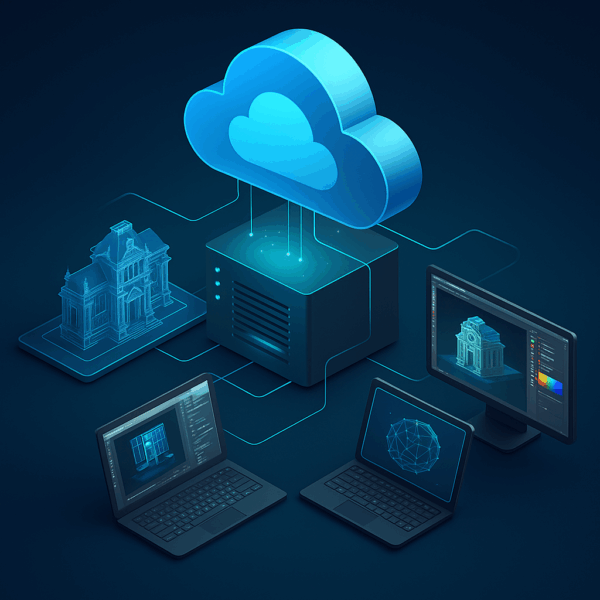
MaxCloudON: My Go-To Cloud Rendering Provider
If you’re curious to try cloud rendering, I highly recommend MaxCloudON – especially if you want full control, top performance, and clear pricing.
- Free 48-hour CPU trial
- GPU rentals from $3/day or $38/month
- No queue, no shared VMs — just raw power
- Full admin/root access
- Unmetered traffic
- Cancel anytime
👉 Compare All Pricing Plans
Final Thoughts: Why Cloud Rendering Is Worth It
For me, discovering the advantages of cloud rendering has been a turning point.
I render faster, deliver more and spend less. Whether you’re a creator or part of a large studio, cloud-based rendering gives you the flexibility, performance, and peace of mind that traditional rendering methods and local machines just can’t match anymore.
Give it a shot – even just once. That’s how I started. And honestly, I haven’t looked back since.
👉 Start Your Free Trial
Frequently Asked Questions
Why should I switch from local rendering to cloud rendering?
Local rendering can be slow, limited by hardware, and prone to overheating or crashes - especially with complex 3D models. Cloud rendering offers instant scalability, faster render times, no hardware headaches, and access to high-end GPUs without the upfront cost.
Is cloud rendering more expensive than upgrading my own hardware?
Not necessarily. While cloud rendering has usage costs, it avoids the large upfront investment in GPUs, power-hungry setups, and ongoing maintenance. For many artists and studios, especially those with variable workloads, cloud rendering is more cost-effective long-term.
Can I use my own software and plugins on a cloud rendering service?
Yes, with services like MaxCloudON, you get full root/admin access to install your own 3D software, rendering engines, and custom plugins. This gives you total control over your environment, just like working on your own machine — but with more power.
Is my data safe when using cloud render farms?
Security depends on the provider. MaxCloudON offers dedicated servers with encrypted file transfer, private access, and no file sharing between users. You maintain full control over your data - nothing is stored on shared machines.
What types of projects benefit most from cloud rendering?
Cloud rendering is ideal for large animations, complex scenes, VFX work, and collaborative 3D visualization projects. If your renders take hours locally or you face tight deadlines, cloud rendering can dramatically improve your workflow.
How do I get started with cloud rendering?
Start by choosing a provider like MaxCloudON, where you can launch a 48-hour free CPU trial or rent a GPU server starting from $32/day. Upload your project files, install your preferred tools, and render directly from the cloud - no queues, no limits.